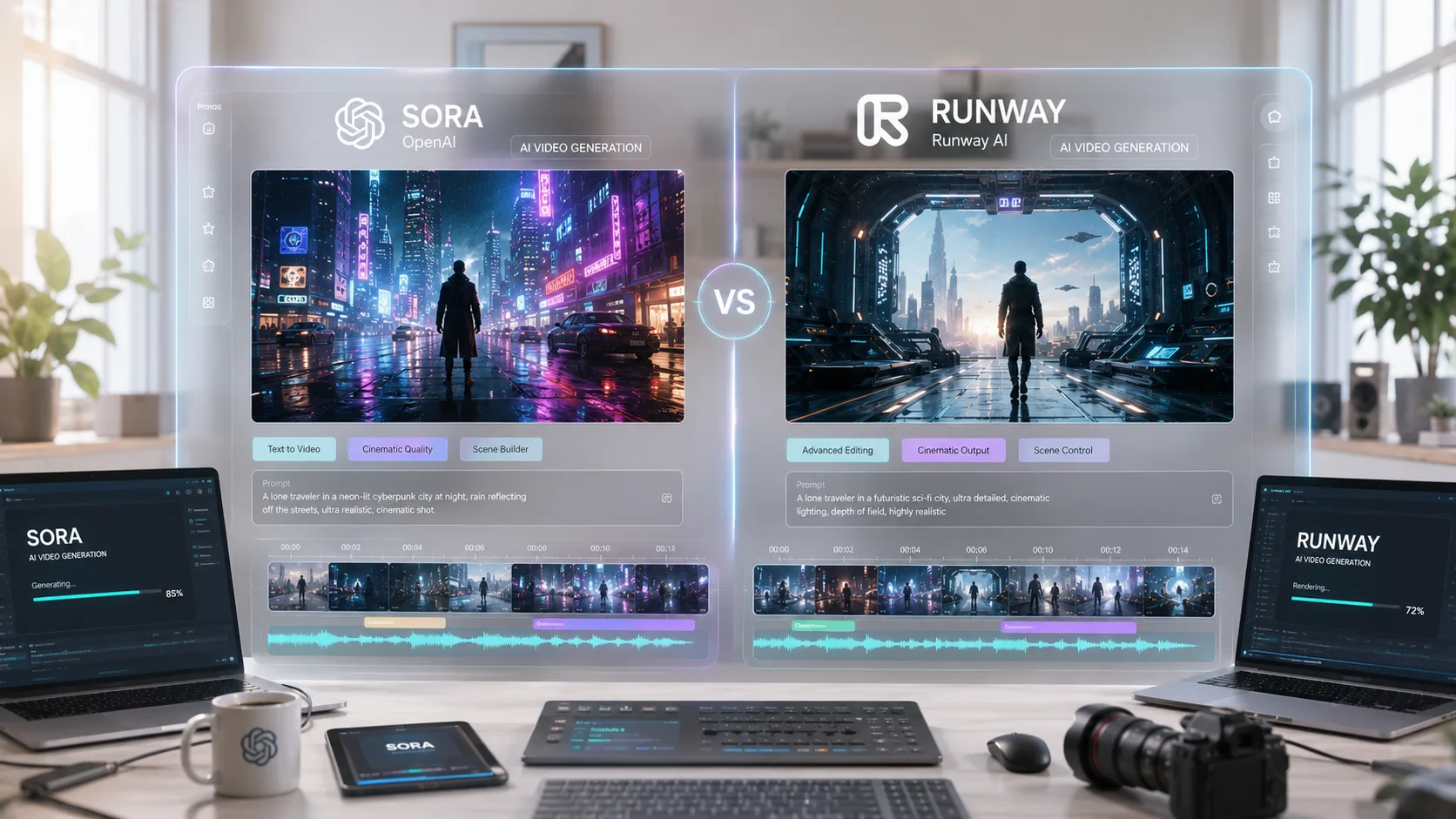
Sora vs Runway: Which AI Video Generator Is Better in 2026?
IntroductionAI video generation is evolving incredibly fast.Just a few years ago, creating cinematic videos required expensive equipment, editing software, and professional product
Introduction
AI video generation is evolving incredibly fast.
Just a few years ago, creating cinematic videos required expensive equipment, editing software, and professional production teams.
Now?
AI tools can generate realistic videos from simple text prompts within minutes.
And in 2026, two names dominate the conversation:
Sora and Runway.
Both are powerful AI video generators.
Both can create impressive cinematic content.
But they are designed for very different types of users.
So which one is actually better?
Let’s break it down honestly.
What Is Sora?
Sora is OpenAI’s text-to-video model designed to generate highly realistic and cinematic videos from prompts.
It became popular because of:
- Realistic physics
- Smooth motion generation
- Strong scene consistency
- Cinematic quality
Sora can generate videos that often feel surprisingly close to real footage. OpenAI originally positioned it as a major step toward more advanced world-simulation AI systems. :contentReference[oaicite:0]{index=0}
More recently, OpenAI has been working on integrating Sora more deeply into ChatGPT and consumer workflows. :contentReference[oaicite:1]{index=1}
What Is Runway?
Runway is more than just a text-to-video generator.
It’s a full creative AI video platform used by:
- Filmmakers
- Content creators
- Designers
- Production teams
Unlike Sora, Runway focuses heavily on editing control and creative workflows.
It includes tools for:
- Motion control
- Video editing
- AI masking
- Camera movement
- Style consistency
Runway has positioned itself as a professional creative suite rather than only a generation tool.
The Biggest Difference Between Sora and Runway
The simplest way to understand the difference is this:
- Sora → focuses on cinematic generation quality
- Runway → focuses on creative control and workflow
Sora feels more like:
“Describe a scene and let AI create it.”
Runway feels more like:
“Create, edit, refine, and direct the entire video.”
That difference matters a lot depending on your workflow.
Video Quality Comparison
Sora
Sora is known for:
- Cinematic visuals
- Better physical realism
- Smooth environmental motion
- Strong temporal consistency
Many creators describe Sora’s output as more “film-like” by default. :contentReference[oaicite:3]{index=3}
Its handling of lighting, reflections, and fluid motion is often extremely impressive.
Runway
Runway focuses more on:
- Prompt adherence
- Motion precision
- Camera control
- Creative flexibility
Runway’s newer Gen-4.5 models are considered among the strongest AI video systems currently available for professional production workflows. :contentReference[oaicite:4]{index=4}
For creators who want detailed editing and consistent workflows, Runway often feels more practical.
Ease of Use
Sora
Sora is generally simpler for beginners.
You type prompts, generate videos, and iterate quickly.
Its integration with ChatGPT also makes the experience feel more accessible to casual users. :contentReference[oaicite:5]{index=5}
Runway
Runway has a steeper learning curve.
But in return, it provides:
- More editing flexibility
- Advanced controls
- Better refinement tools
For professional creators, this tradeoff is usually worth it.
Editing & Workflow Tools
This is where Runway becomes extremely strong.
Runway includes:
- Motion Brush
- Director controls
- AI editing tools
- Video inpainting
- Scene refinement
Sora currently focuses more on generation itself rather than deep editing workflows. :contentReference[oaicite:6]{index=6}
If you want to direct and refine videos heavily, Runway currently has the advantage.
Which Tool Is Better for Different Users?
Choose Sora If:
- You want cinematic AI generations quickly
- You prefer simplicity
- You create concept visuals or experimental videos
- You want realistic physics and scenes
Choose Runway If:
- You are a filmmaker or editor
- You need creative control
- You want advanced workflow tools
- You produce commercial or client content
The Real Truth: Most Professionals Use Multiple Tools
Interestingly, many creators are not choosing only one platform.
Instead, they use:
- Sora for ideation and cinematic concepts
- Runway for editing and production refinement
This hybrid workflow is becoming increasingly common among AI creators and studios. :contentReference[oaicite:7]{index=7}
Challenges and Limitations
Both tools still have limitations.
Sora Challenges
- Limited editing flexibility
- High infrastructure costs
- Ethical concerns around realism and misinformation
Researchers have also raised concerns about bias and governance challenges in AI-generated video systems. :contentReference[oaicite:8]{index=8}
Runway Challenges
- More complex workflow
- Credit-based pricing can become expensive
- Requires more manual refinement
Neither platform is perfect yet.
But both are pushing AI video generation forward rapidly.
Final Thoughts
Sora and Runway represent two different visions of AI video creation.
Sora focuses on cinematic generation and accessibility.
Runway focuses on creative control and professional production.
So the better tool depends entirely on your goals.
If you want fast, visually stunning AI videos:
Sora feels magical.
If you want precision, editing power, and production workflows:
Runway is incredibly strong.
And honestly?
The future of AI video creation will probably involve both.
Impact-Site-Verification: bac85f67-118b-46fe-bc8e-257a4772c20c