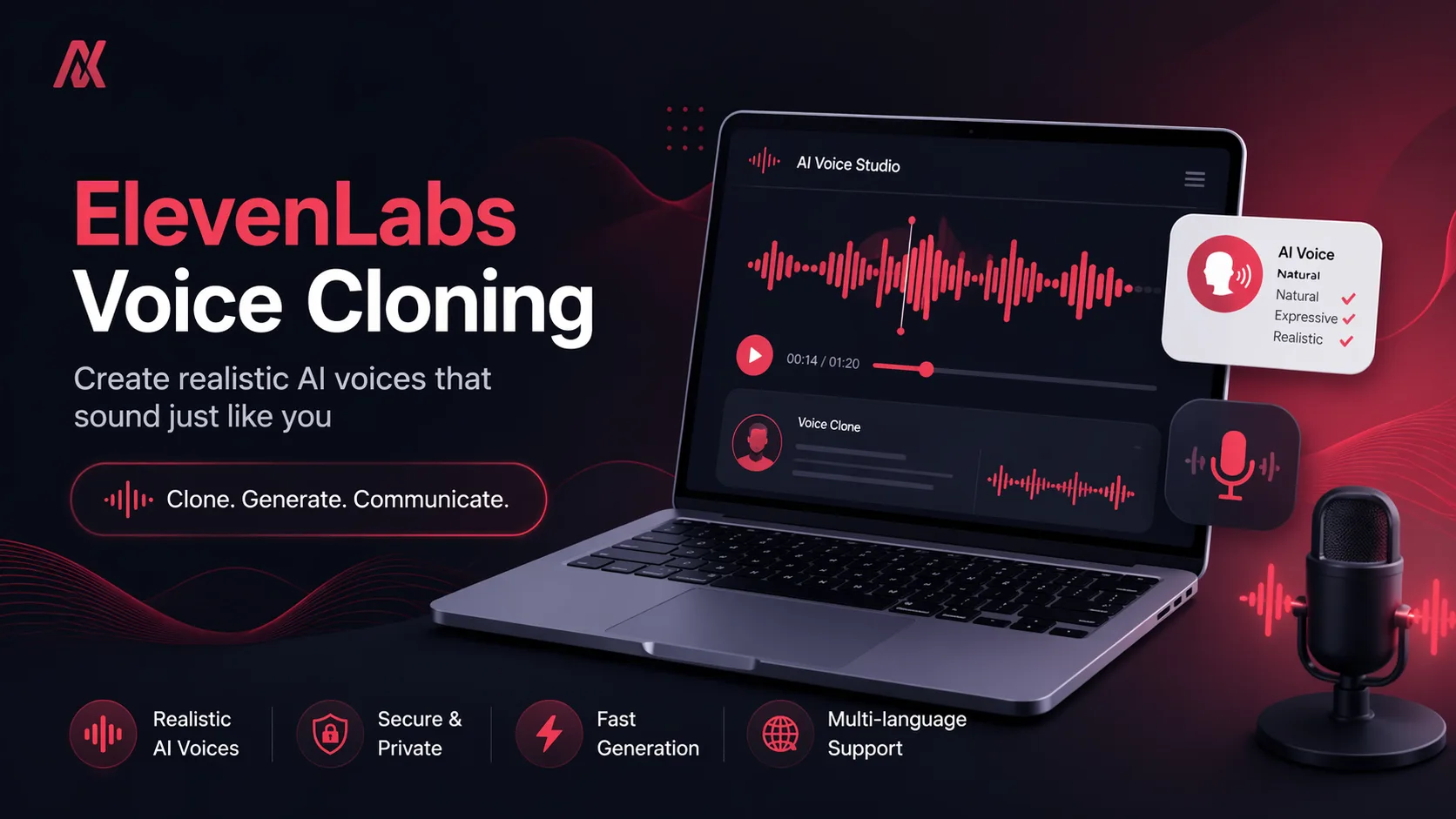
How to Clone Your Voice Using AI (ElevenLabs Guide for Beginners in 2026)
IntroductionAI voice technology is evolving faster than ever, and one of the most impressive innovations is voice cloning.With tools like ElevenLabs, you can now create a digital v
Introduction
AI voice technology is evolving faster than ever, and one of the most impressive innovations is voice cloning.
With tools like ElevenLabs, you can now create a digital version of your voice and generate realistic speech in seconds.
But how does it actually work, and how can you use it effectively?
In this guide, you’ll learn how to clone your voice using AI and how to use it in real-world scenarios.
What is AI Voice Cloning?
Voice cloning is a technology that allows AI to create a digital model of a person’s voice.
Once trained, the system can generate speech that sounds like the original speaker — including tone, emotion, and style. :contentReference[oaicite:0]{index=0}
This means you can type any text, and the AI will speak it in your voice.
Why ElevenLabs is Popular
ElevenLabs has quickly become one of the leading platforms in AI voice generation.
It uses advanced deep learning models to produce highly realistic speech with natural emotions and tone. :contentReference[oaicite:1]{index=1}
Some key capabilities include:
- Ultra-realistic text-to-speech
- Voice cloning from short audio samples
- Support for multiple languages and accents
- Emotional voice control
The platform can generate lifelike speech across many languages and use cases, making it popular among creators and developers. :contentReference[oaicite:2]{index=2}
How to Clone Your Voice Using ElevenLabs
Here’s a simple step-by-step process:
Step 1: Record Your Voice
Record a short audio sample of your voice.
Even a few seconds of audio can be enough to create an instant voice clone. :contentReference[oaicite:3]{index=3}
Step 2: Upload to ElevenLabs
Go to the voice section and upload your recording.
The AI analyzes your voice patterns such as tone, pitch, and speaking style.
Step 3: Generate Your Voice Clone
Once processed, your voice clone will be ready.
You can now type any text and convert it into speech using your cloned voice.
Step 4: Fine-Tune Output
Adjust settings like:
- Stability
- Clarity
- Emotion
This helps make the voice sound more natural and realistic.
Real Use Cases of Voice Cloning
AI voice cloning is not just a cool feature — it has real applications.
Content Creation
You can create voiceovers for:
- YouTube videos
- Podcasts
- Audiobooks
Development & Apps
Developers use voice cloning for:
- AI assistants
- Chatbots
- Interactive apps
Business & Marketing
Businesses use it for:
- Automated customer support
- Ads and storytelling
- Personalized content
Things to Be Careful About
Voice cloning is powerful, but it also comes with responsibility.
There have been concerns about misuse, such as impersonation and scams using cloned voices. :contentReference[oaicite:4]{index=4}
Always use this technology ethically and with proper consent.
Where to Explore AI Voice Tools
If you want to explore more tools like this, you can check:
https://ailisting.site/tool
It helps you discover AI tools based on categories and use cases.
Final Thoughts
AI voice cloning is changing how we create and interact with content.
Tools like ElevenLabs make it easy to generate realistic voices, but the real value comes from how you use them.
Start small, experiment, and use AI to enhance your workflow — not replace it.